
Sign back in to PK365 Login Game in under a minute.
Your registered number and password are all you need. This guide walks through every screen, plus what to do if a step doesn’t go as expected.
What you’ll need to PK365 Login
Five quick checks. Having these ready means you’ll move through login without interruption.
PK365 Logging in, step by step
Six screens from app launch to your dashboard. Steps 5 and 6 only appear if PK365 flags your sign-in for extra verification.
Open the app
Launch the latest version of PK365 Game on your Android device. Don’t have it yet? Download it from a trusted source first.
Tap Login
From the home screen, select Login to open the sign-in page.
Enter your number
Type the exact mobile number used at registration. A mismatched number is the most common cause of login errors.
Enter your password
Passwords are case-sensitive — enter it exactly as created, watching for stray spaces or autocorrect.
Verify with OTP
If prompted, enter the one-time code sent to your registered number to confirm it’s really you.
Conditional stepReach your dashboard
You’re in. From here you can browse games, check promotions, manage your wallet, and update your profile.
What’s on your dashboard
Browse games
All available game categories in one place.
Bonuses & promotions
See current offers tied to your account.
Manage your profile
Update details and security settings.
Deposits & withdrawals
Move funds through supported payment methods.
Account history
Review past activity and transactions.
Customer support
Reach live support directly from the app.
Common login problems
Tap a question to see the fix. Most issues clear up in under two minutes.
Safer login habits
Why your login matters
Your PK365 account holds personal information, saved settings, and transaction records. Strong credentials and verifying your identity when asked keep that information yours — and no one else’s.
Always sign in with your own registered number, on a device and network you trust.
Ready to sign in?
Open the app, tap Login, and you’ll be at your dashboard in a few taps.
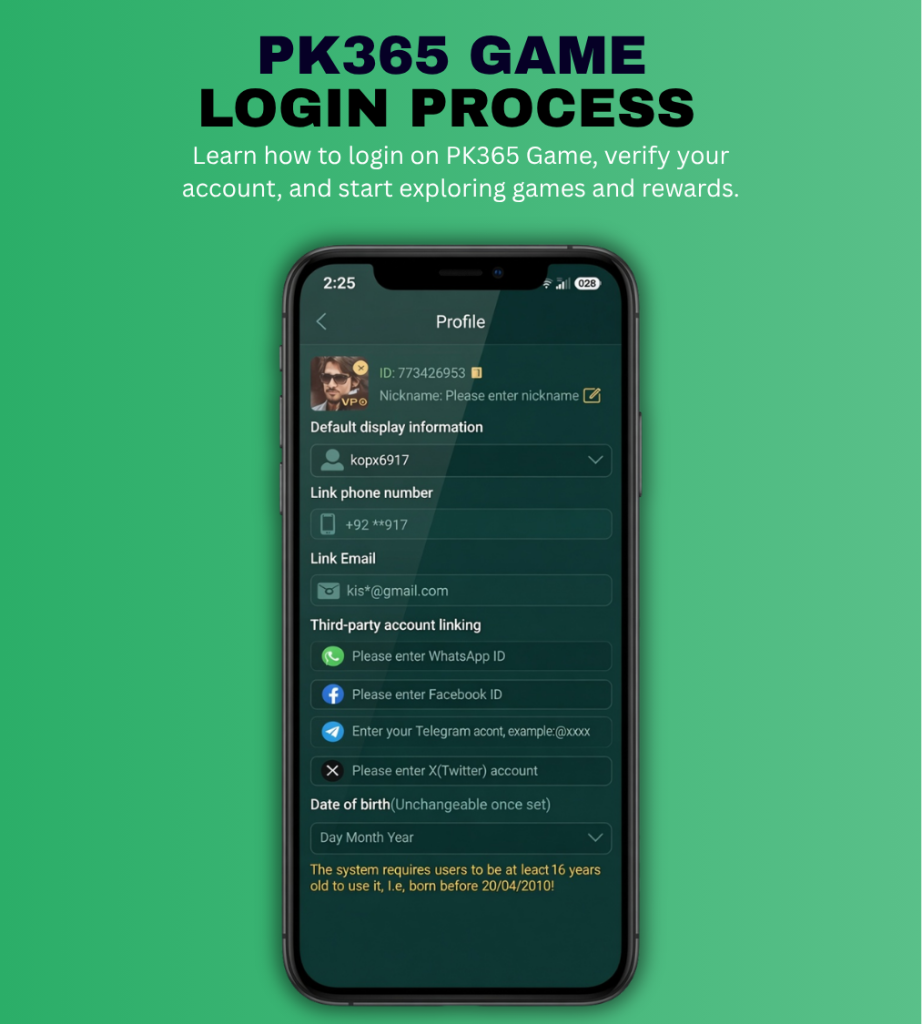
Review the Steps ↑You can learn how to register a new PK365 account, securely log in to your existing account, or explore our complete guides for PK365 for PC and PK365 for iOS. Each guide includes step-by-step instructions, installation tips, troubleshooting solutions, and frequently asked questions to help you get started quickly. Whether you’re using an Android phone, a Windows PC, or an iPhone, you’ll find everything you need to access your account and enjoy the latest features of PK365 login Game.
How do I log in to my PK365 Game account?
Open the PK365 Game app, tap the Login button, enter your registered mobile number and password, then complete OTP verification if requested. Once verified, you’ll be redirected to your account dashboard.
What should I do if I forget my PK365 login password?
If you’ve forgotten your password, tap the Forgot Password option on the login page. Verify your registered mobile number using the OTP and create a new secure password to regain access to your account.
Why can’t I log in to my PK365 account?
Login issues can occur due to an incorrect mobile number, wrong password, expired OTP, poor internet connection, or using an outdated version of the app. Double-check your login details and update the application before trying again.
Is it safe to log in to PK365 using my mobile number?
Yes. Logging in with your registered mobile number is designed to help verify your identity. For added security, never share your password or OTP with anyone and always use a strong password.
Can I log in to my PK365 account on multiple devices?
You can generally sign in using your registered account credentials on compatible devices. However, for better account security, avoid sharing your login information and always log out from devices you no longer use.